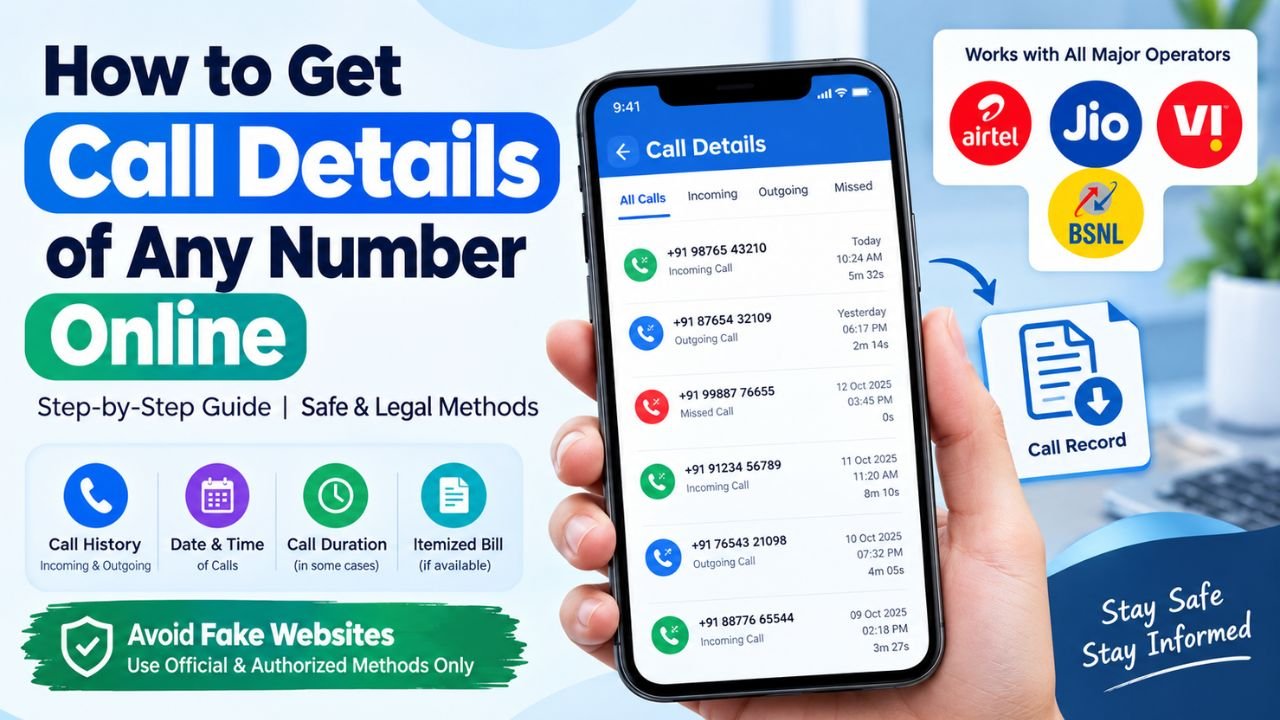
Call History Check Online: If you want to get call details of any number then this information for you. Here we tell you about mobile number call history check online for free.
Call history generally refer to information related to phone calls made or received through a mobile number.
The good news is that there are legitimate ways to check call details online when you own the number or have proper authorization.
You can check your phone’s call history, use your telecom operator’s official app or website, download an itemized bill, or request records directly from the service provider.
In this guide, we explain about get call details of a number online step by step.
Call History Check Online Free Ways 2026
If you want to check the call history of your own mobile number, follow these steps.
Step 1: Identify Your Telecom Operator
First, identify the company providing your mobile service.
For example, your number may be connected to a major telecom operator such as:
- Jio
- Airtel
- Vi
- BSNL
The exact options available can vary depending on the operator and your account type.
Step 2: Open the Official Website or App
Visit your telecom provider’s official website or install its official mobile application.
Avoid entering your mobile number, OTP, password, or other account information on unknown websites claiming to provide call details.
Step 3: Log In With Your Mobile Number
Sign in using the mobile number associated with your account.
Depending on the provider, you may need to verify your identity using an OTP or another authentication method.
Step 4: Open Your Account or Usage Section
After logging in, look for options such as:
- Usage
- Call History
- Usage Details
- Bills
- Account Details
- Itemized Bill
- Statement
The exact name can differ between telecom operators.
Step 5: Select the Required Date Range
If the service provides detailed usage information, select the relevant period.
For example, you may be able to choose:
- Last few days
- Current billing cycle
- Previous billing cycle
- A specific date range
Availability of historical records depends on the operator and account type.
Step 6: Check Available Call Information
If detailed call information is provided for your account, you may see information such as the number contacted, date, time, duration, or usage-related information.
Some operators may not display every type of call information directly inside their app.
Step 7: Download Your Bill or Statement
If your telecom provider offers an itemized statement, you may be able to download it for your records.
Save the document securely because it may contain personal account information.
How to Check Call History Directly From Your Phone
If you only want to know which numbers were recently contacted from your own phone, you don’t necessarily need an online service.
On Android
- Open the Phone app.
- Go to Recents or Call History.
- Find the required contact or number.
- Tap the number or contact.
- Open Call Details or the information option.
- Check the available date, time, and duration information.
The exact interface can vary depending on the Android phone manufacturer.
On iPhone
- Open the Phone app.
- Tap Recents.
- Find the required call.
- Tap the information icon next to the number.
- Review the available call information.
This is generally the easiest method for checking recent calls made or received on your own device.

Final Words
If you are searching for mobile number call history check online, the safest approach is to use official and authorized methods. For your own mobile number, check your phone’s call history or sign in to your telecom provider’s official app or website to look for usage details and itemized bills.