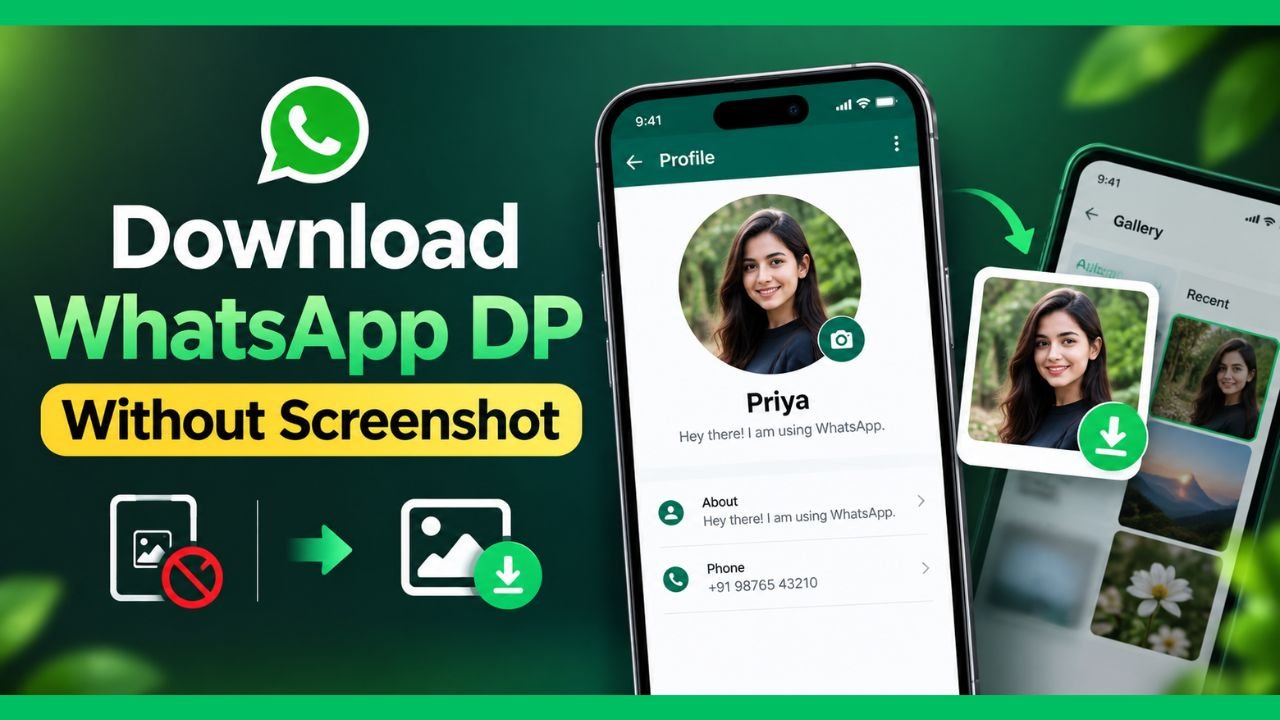
Want to save someone’s WhatsApp DP (Display Picture) without taking a screenshot? You may be wondering whether there is a direct way to download WhatsApp DP picture to your phone.
WhatsApp has introduced several privacy protections around profile pictures, and the options available can vary depending on your device and WhatsApp version. Because of these restrictions, you may not always see a direct Download or Save Image button for someone else’s DP.
In this guide, we explain how to download WhatsApp DP without a screenshot, what methods may work, and which approaches you should avoid.
Can You Download a WhatsApp DP Without Screenshot?
In many cases, WhatsApp does not provide a simple Save Profile Picture button for another person’s profile photo. This is primarily related to privacy and misuse prevention.
If WhatsApp prevents you from saving or capturing a profile picture, you should not try to bypass that protection using unauthorized methods.
However, there are legitimate situations where you can obtain a WhatsApp DP without taking a screenshot—for example, when the image is your own profile picture, when someone sends you the original image, or when you have permission from the person who owns the photo.
Let’s look at the practical methods.
Method 1: Ask the Person to Send You the Original Photo
The easiest and safest method is to ask the person to send you the image directly.
Steps
- Open WhatsApp.
- Open the chat with the person.
- Ask them to send you their profile picture as an image.
- Once they send it, open the image.
- Tap the Download or Save option, depending on your phone.
- The image will be stored in your phone’s gallery or WhatsApp media folder.
This method gives you the original file rather than a screenshot, so the image quality is generally better.
Method 2: Save Your Own WhatsApp DP
If you want to download your own WhatsApp profile picture, you can usually retrieve the original image from your phone’s gallery or the location where you originally selected it.
On Android
- Open your phone’s Gallery or Photos app.
- Search for the image you used as your WhatsApp profile picture.
- Open the image.
- Tap Share or Save a copy, if required.
- You now have the original photo without taking a screenshot.
If you deleted the original image, check your phone’s recently deleted folder or cloud backup.
On iPhone
- Open the Photos app.
- Search for the image you used for your WhatsApp DP.
- Open it.
- Tap the Share button.
- Choose an option such as Save to Files if you want another copy.
Again, using the original photo provides better quality than capturing the screen.
Method 3: Ask the Person to Share the Image as a Document
If maintaining the original image quality is important, asking the person to send the picture as a document can be useful.
WhatsApp’s normal image sharing may compress photos. Sending an image as a document can help preserve the original file.
Steps
- Open the WhatsApp conversation.
- Tap the attachment button.
- Select Document.
- Choose the image file from your device.
- Send it.
- Download the file on the receiving device.
This method is particularly useful for high-resolution images.
Method 4: Use WhatsApp’s Profile Picture Options When Available
WhatsApp features can change over time, and the options available may differ between Android, iPhone, and different app versions.
To check what options are available:
- Open WhatsApp.
- Open the person’s chat.
- Tap their name or profile picture.
- Open their profile information.
- Check whether WhatsApp provides any legitimate save, share, or download option.
- If an option is available, use that built-in feature.
If WhatsApp does not provide a download option, do not assume that a third-party app is required.
Why Can’t I Directly Download Someone’s WhatsApp DP?
WhatsApp has privacy protections designed to limit how profile pictures can be copied or redistributed.
The exact behavior can depend on the WhatsApp version, operating system, and privacy settings. A profile picture may also be visible to you while still being protected from certain forms of copying.
This means that an online tutorial showing an old WhatsApp feature may no longer work on the latest version.
Can You Download WhatsApp DP Without Screenshot on Android?
Yes, but there is an important distinction.
If you mean saving another person’s current WhatsApp profile picture directly to your phone, WhatsApp may not provide an official download option.
If you have permission from the person, the best solution is to ask them to send you the original image.
For your own DP, you can usually find the original picture in your phone’s gallery or backup.
Can You Download WhatsApp DP Without Screenshot on iPhone?
The same privacy limitations generally apply on iPhone.
If the profile picture belongs to someone else, WhatsApp may restrict saving or capturing it. If you need the image, ask the owner to send it to you.
For your own profile picture, look for the original image in the Photos app or your backup.
What About WhatsApp DP Downloader Apps?
You may find websites and applications claiming to download any WhatsApp DP without permission.
Be careful before using them.
Third-party WhatsApp DP downloader apps may:
- Request unnecessary permissions
- Ask for access to your contacts or files
- Display excessive advertisements
- Collect personal information
- Contain potentially unwanted software
- Stop working after WhatsApp updates
You should also avoid entering your WhatsApp phone number, verification code, or account password into an unknown website or application.
A tool that claims it can bypass WhatsApp’s privacy protections should be treated with particular caution.
Can You Download a WhatsApp DP From WhatsApp Web?
WhatsApp Web also follows WhatsApp’s privacy and profile-picture restrictions.
If a legitimate download or sharing option is available in your version of WhatsApp Web, you can use it. Otherwise, the safer approach is to ask the person to send you the image.
Do not use browser extensions or scripts that claim to bypass WhatsApp’s privacy controls unless you fully understand their security and privacy implications.
How to Get a High-Quality WhatsApp DP
If your goal is simply to get a high-quality copy of someone’s profile picture, the best option is to request the original image.
A screenshot or compressed profile image may reduce quality.
Ask for the original image
You can send a simple message such as:
“Can you send me your profile picture? I need the original image.”
Once the person sends the photo, you can save it normally.
Why You Should Avoid Unauthorized Methods
A profile picture may be publicly visible to you, but that does not necessarily mean the owner has given permission for you to download, edit, or redistribute it.
Before saving or sharing someone else’s photo, consider:
- Whether the person has given you permission
- Whether you intend to share the image publicly
- Whether the image contains personal information
- Whether the image belongs to someone else
- Whether your intended use respects the person’s privacy
For personal use, obtaining the original image directly from the owner is generally the simplest approach.
Frequently Asked Questions
1. Can I download someone’s WhatsApp DP without a screenshot?
WhatsApp may not provide a direct download option for another person’s profile picture. If you need the image, the safest option is to ask the person to send you the original photo.
2. How can I save WhatsApp DP without taking a screenshot?
If it is your own DP, locate the original photo in your phone’s gallery or backup. If it belongs to another person, ask them to send you the image.
3. Is there a WhatsApp DP downloader?
There are third-party apps and websites that claim to download WhatsApp profile pictures. However, they may create privacy and security risks, and they may not work with current WhatsApp versions.
4. Can I save a WhatsApp profile picture on Android?
The available options depend on your WhatsApp version and privacy restrictions. If there is no official save option, asking the profile owner to send the image is the safer approach.
5. Can I save a WhatsApp DP on iPhone?
If WhatsApp does not provide a save option for another person’s profile picture, you should request the original image from the owner. Your own DP can usually be recovered from the Photos app or backup.
6. Does WhatsApp notify someone when I view their DP?
Simply viewing a WhatsApp profile picture is different from sending a message or viewing a status. WhatsApp’s available privacy features can change, so check the current app behavior rather than relying on outdated tutorials.
7. Why can’t I screenshot a WhatsApp DP?
WhatsApp has introduced privacy-related restrictions around profile-picture screenshots on supported versions and devices. The exact behavior can vary by platform and app version.
8. Is it safe to use a WhatsApp DP downloader website?
You should be cautious with third-party websites, especially those requesting your phone number, WhatsApp verification code, account credentials, contacts, or unnecessary permissions.
Final Thoughts
Downloading a WhatsApp DP without a screenshot is not always possible through an official WhatsApp feature, particularly when you are trying to save another person’s profile picture. WhatsApp’s privacy protections can restrict copying or capturing profile photos.
If you have permission to use the image, the most reliable solution is to ask the person to send you the original photo. For your own DP, you can usually find the original image in your phone’s gallery or backup.
Avoid unknown WhatsApp DP downloader apps and websites that claim to bypass WhatsApp’s privacy protections. Protecting your own WhatsApp account and respecting other people’s privacy is more important than finding an unofficial download method.